















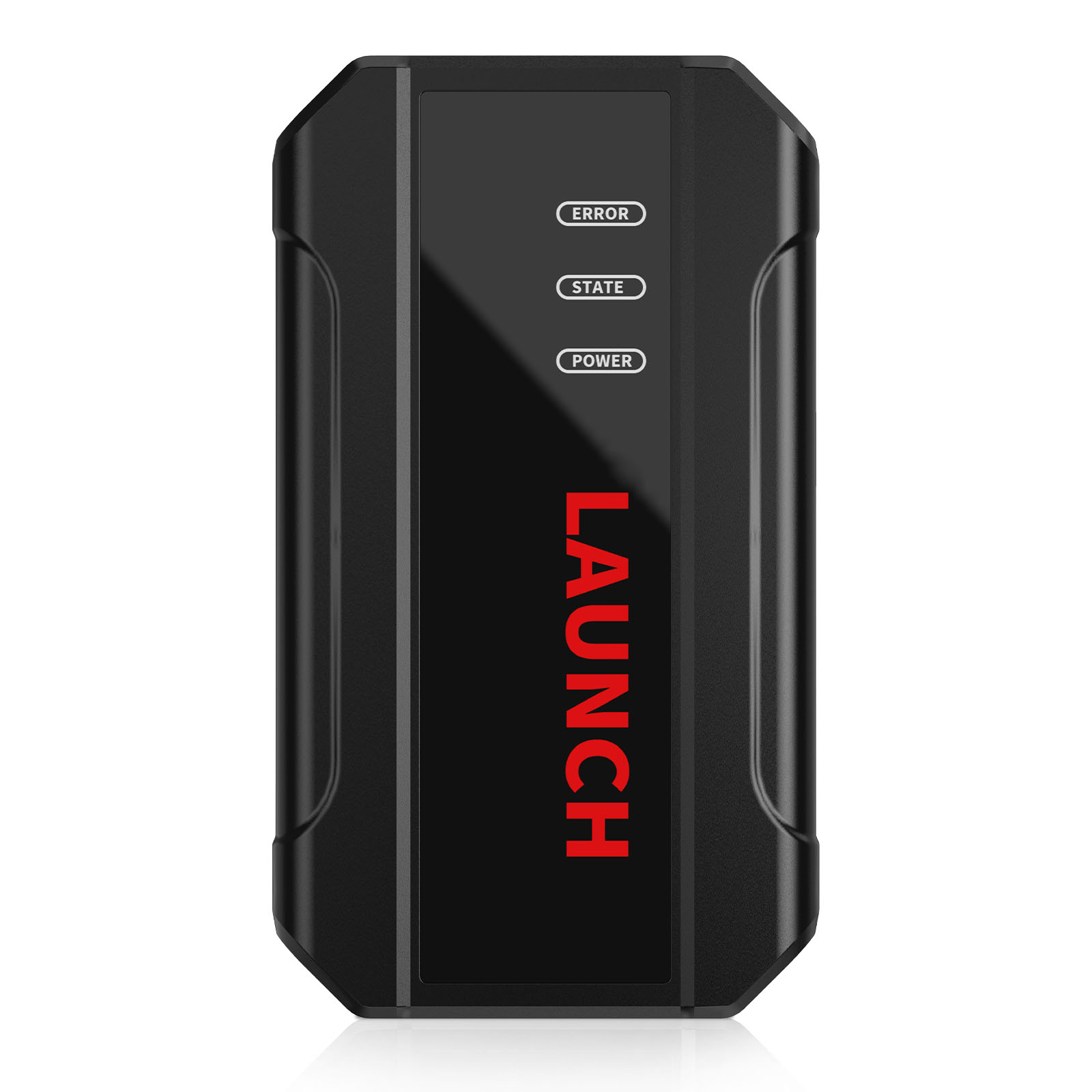
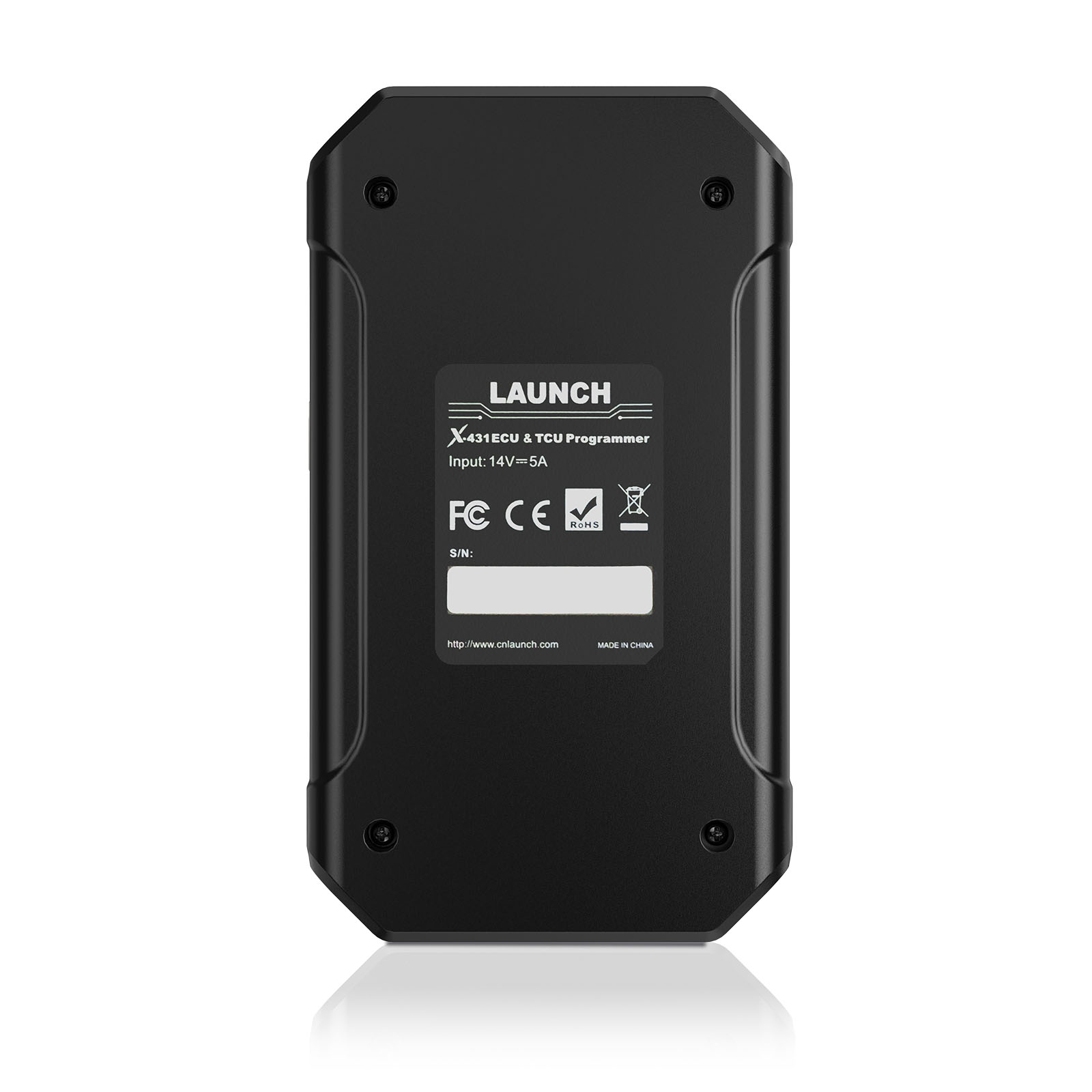
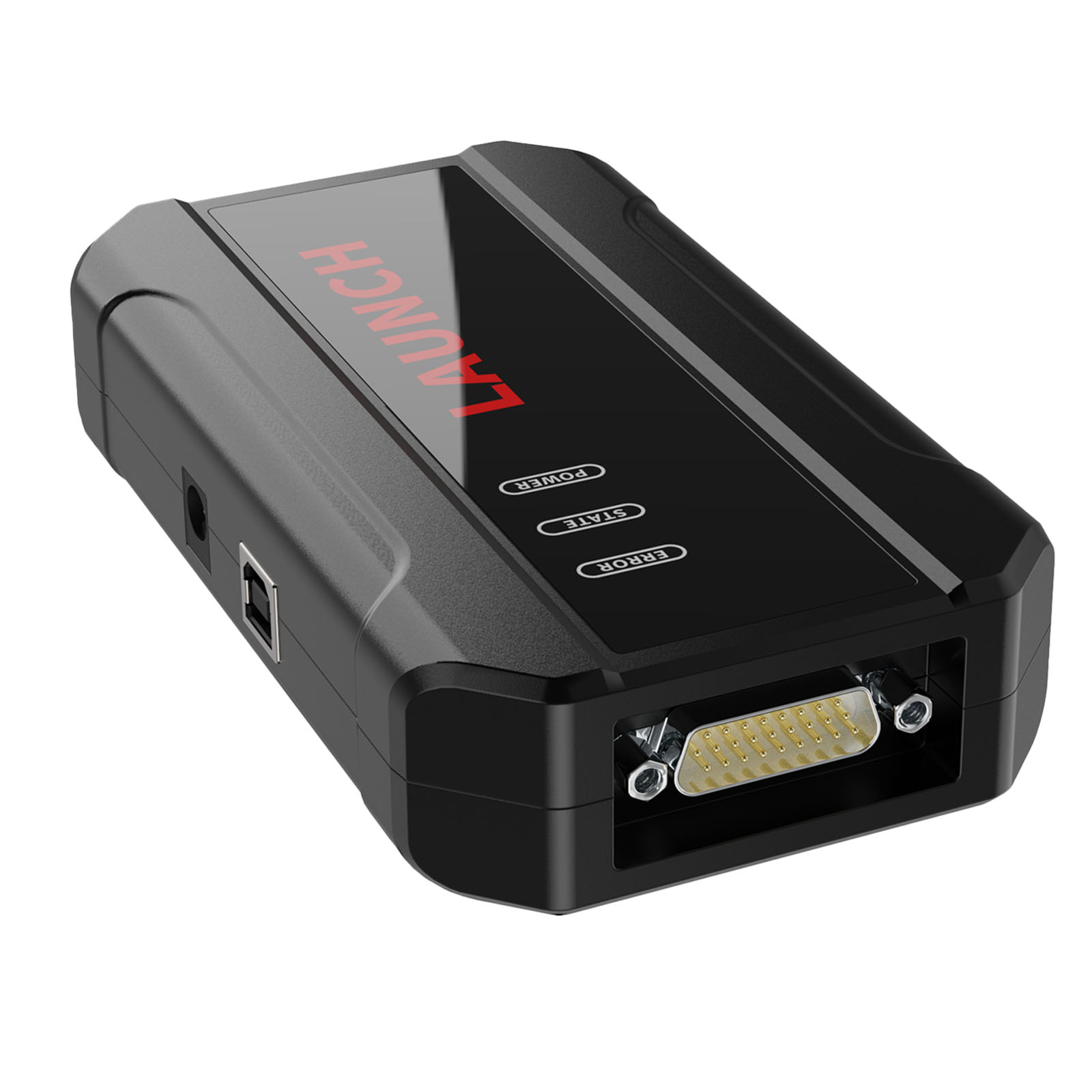
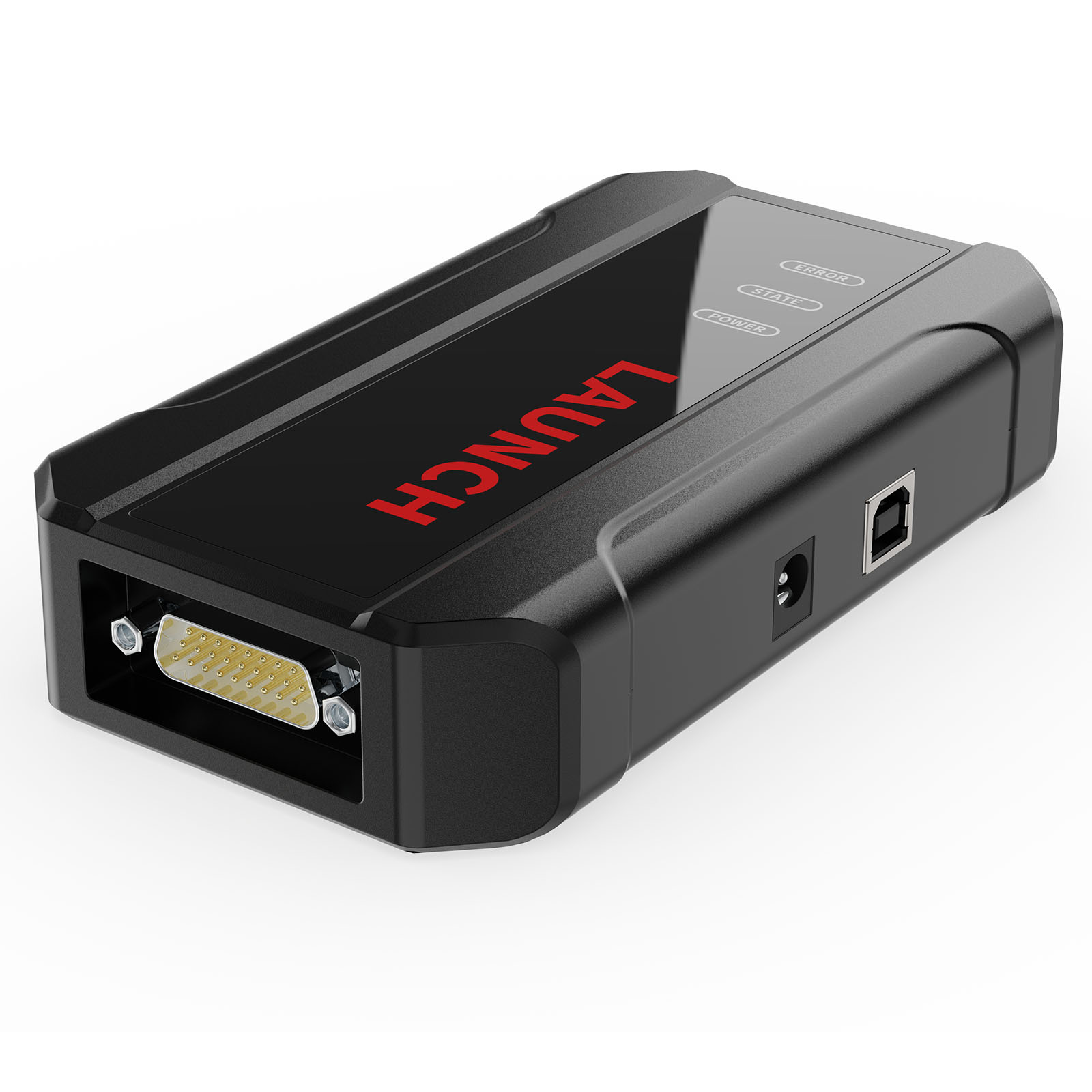
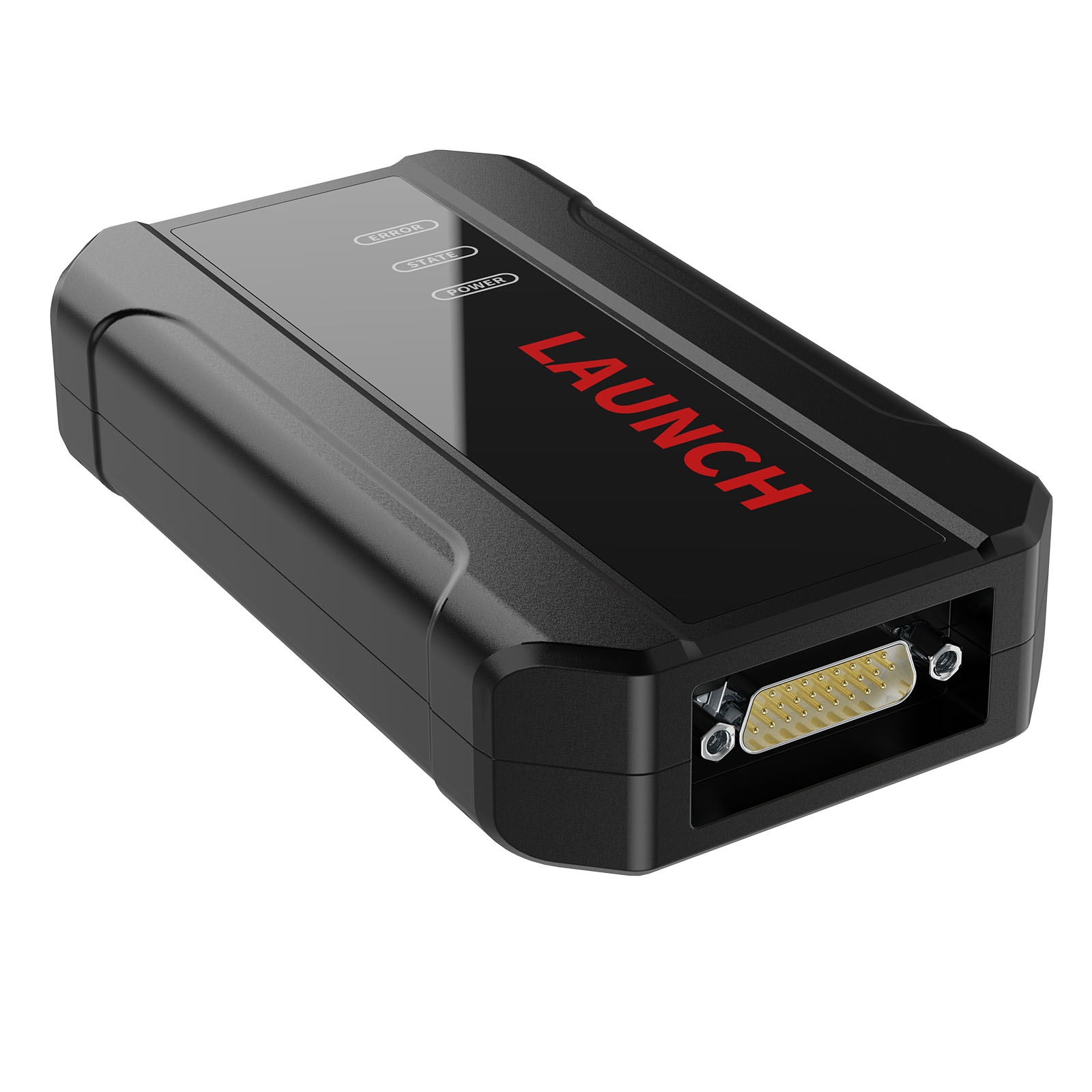
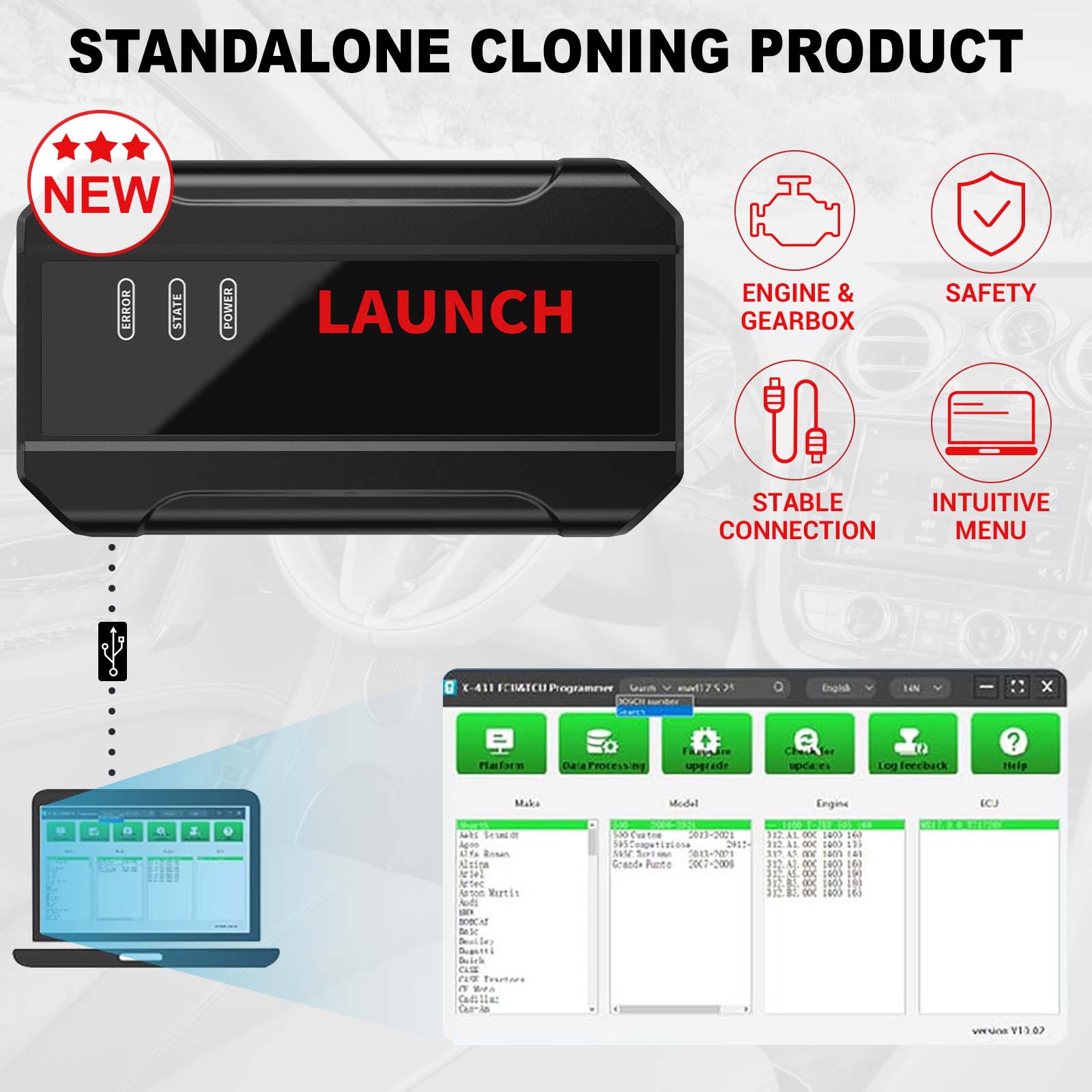


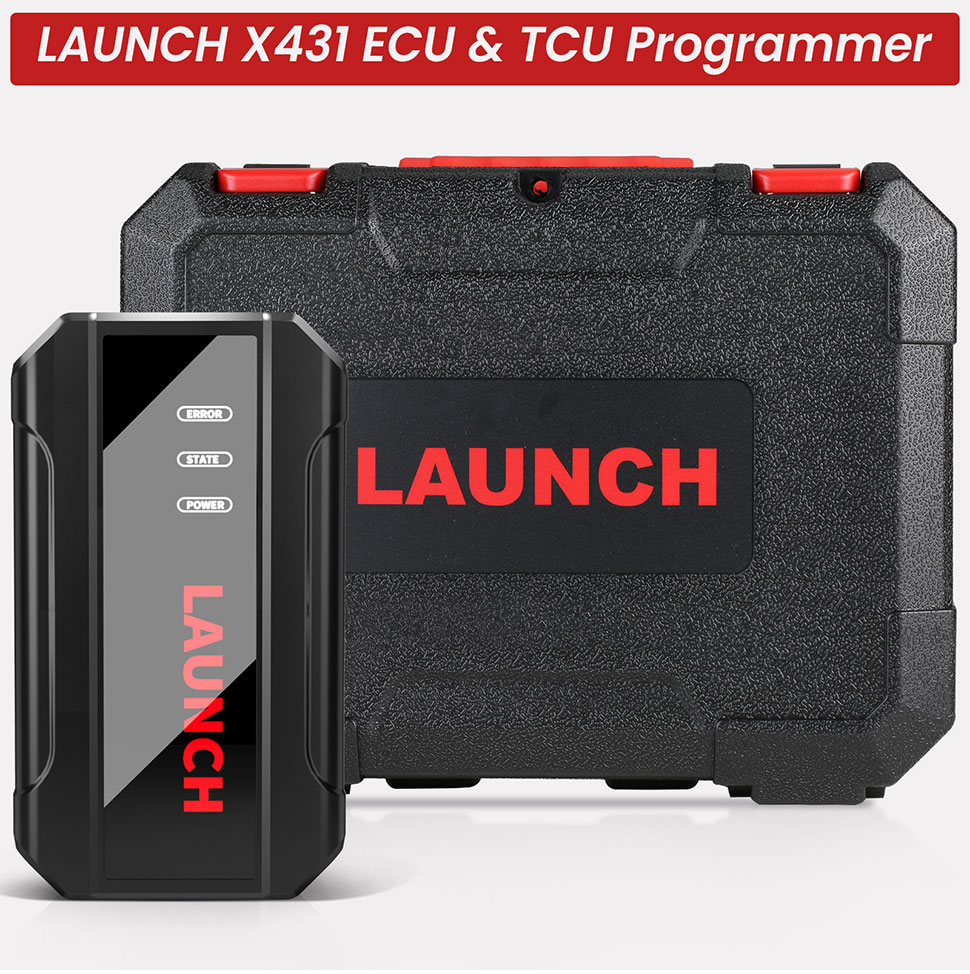
One Year Free Update Launch X431 ECU & TCU Programmer Standalone PC Version Supports Checksum Correction, IMMO OFF
Autel Software 50% OFF
New Lonsdor K518 Pro
BEST PRICE CONTACT US
Email: sales@cartool.co.uk
WhatsApp: +86 15271813909
Related Download Files
Product Description
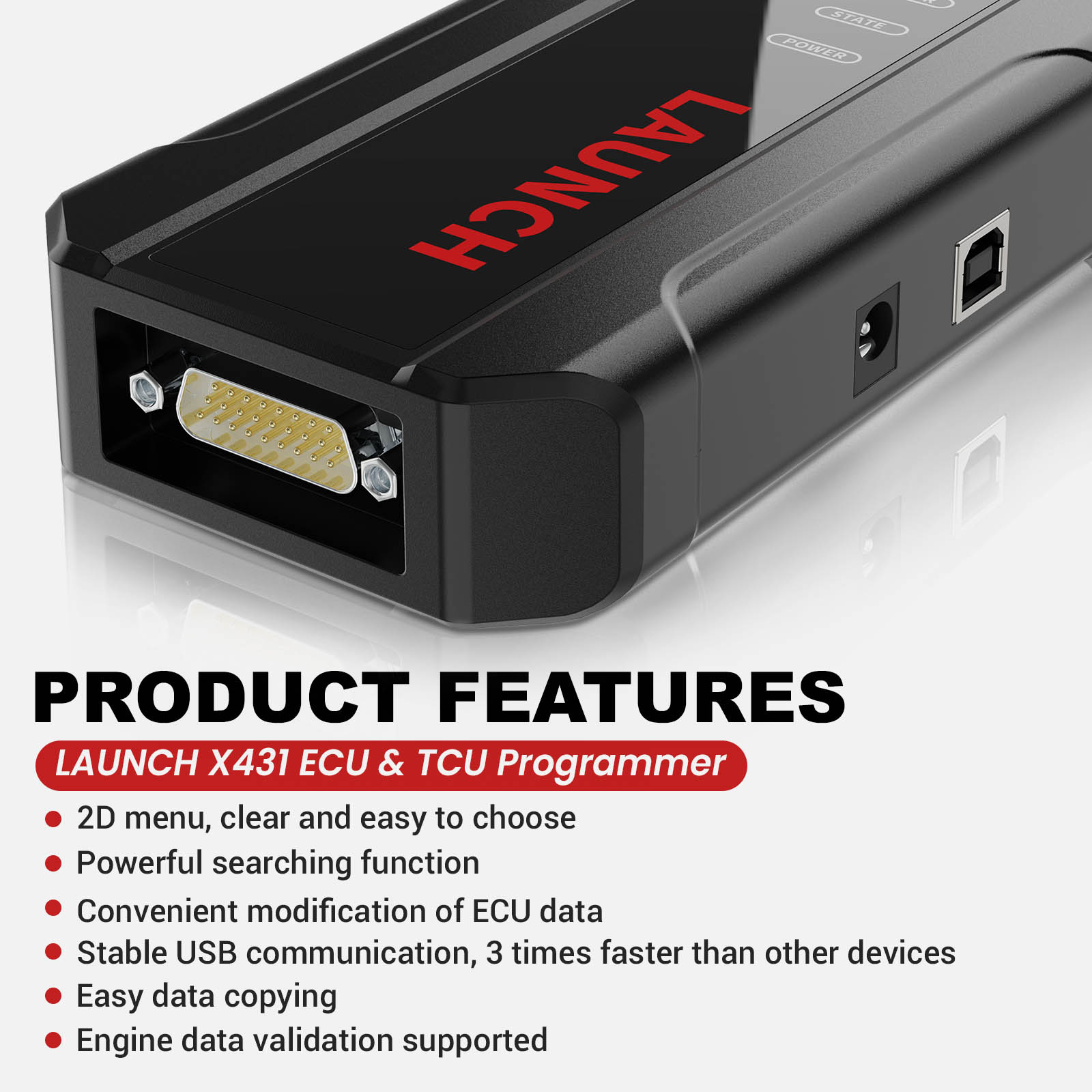
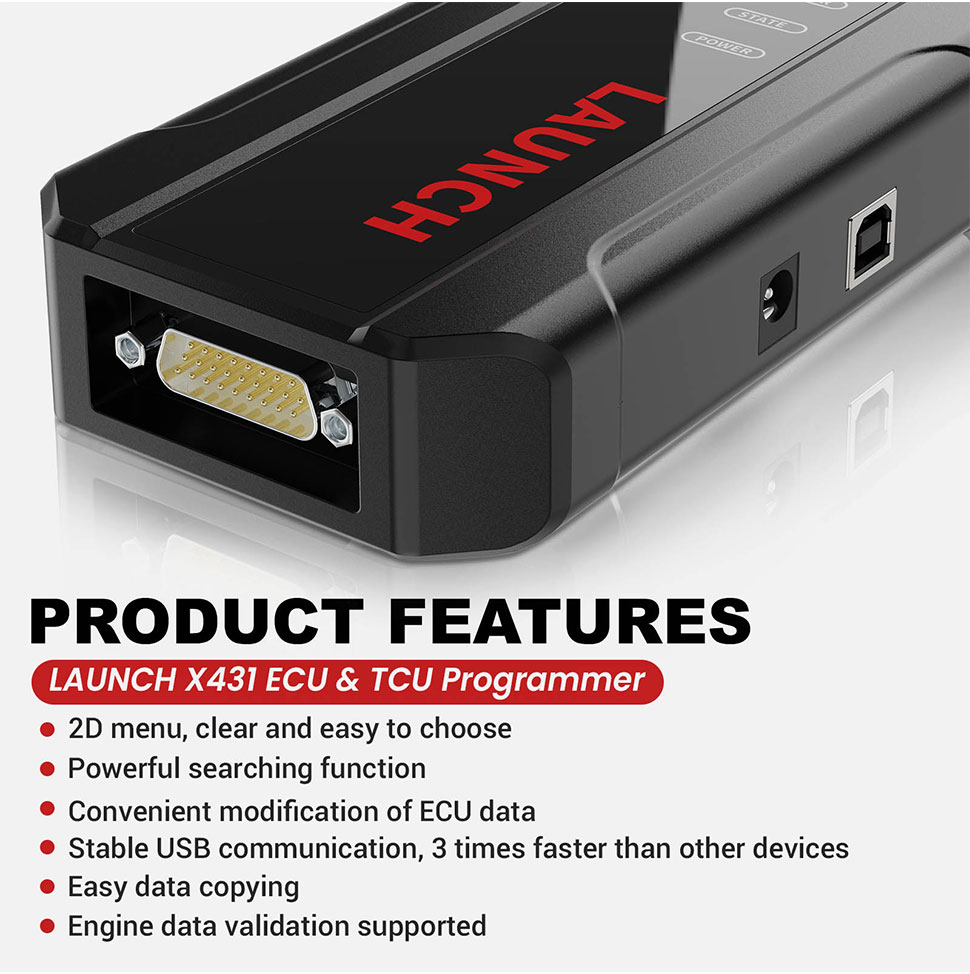
Product Features:
1. 2D menu, clear and easy to choose
2. Powerful search function
3. Convenient modification of ECU data
4. USB communication, with a speed more than three times that of Android devices, making it more stable
5. Easy to copy data
6. Support engine data validation function
7. One year free update
Software download link: https://en.cnlaunch.com/download

PC Software Description:
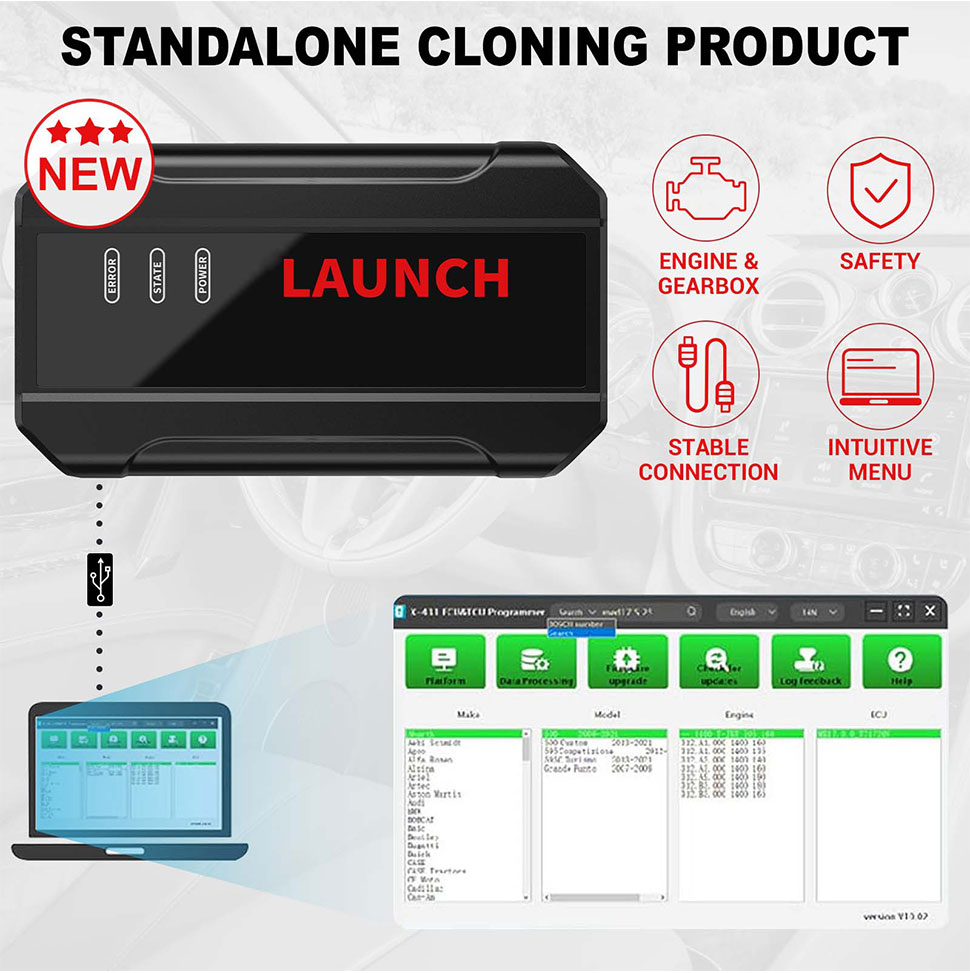
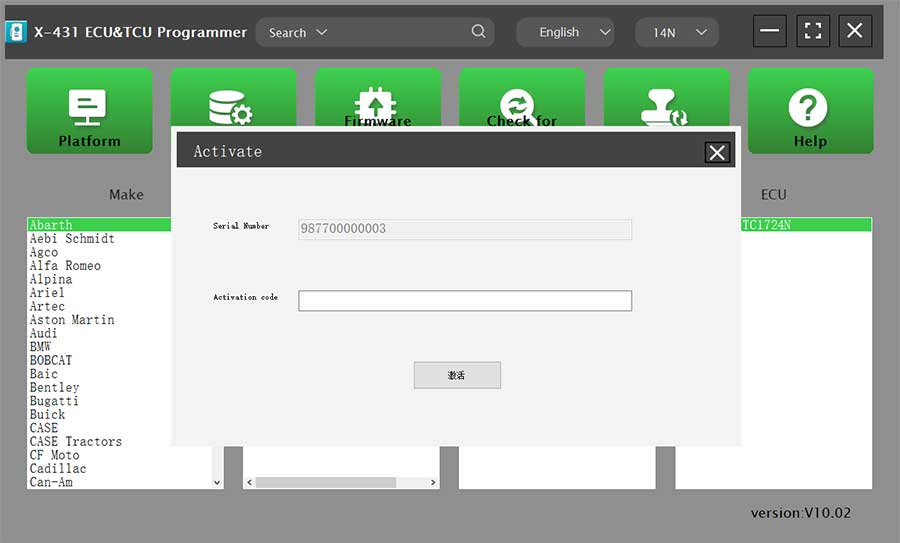
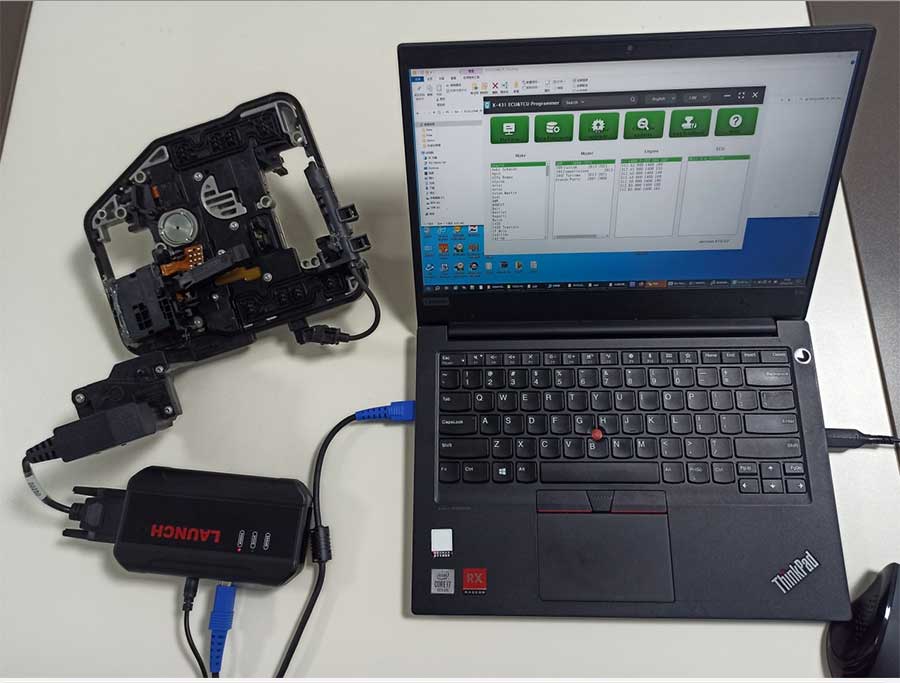
Firstly, connect the X-431 ECU&TCU Programmer to the computer with a hole wire. Then, click to enter the software. The serial number will be automatically recognized from the X-431 ECU&TCU Programmer, and the activation code needs to be obtained from the envelope bar of the X-431 ECU&TCU Programmer. Click [Activate] to activate (only activate once, no need to activate again later), as shown in Figure 1. Without connection, you cannot access the software, as shown in Figure 2.
I.ECU Data Reading/Writing
1. Obtain the related ECU.
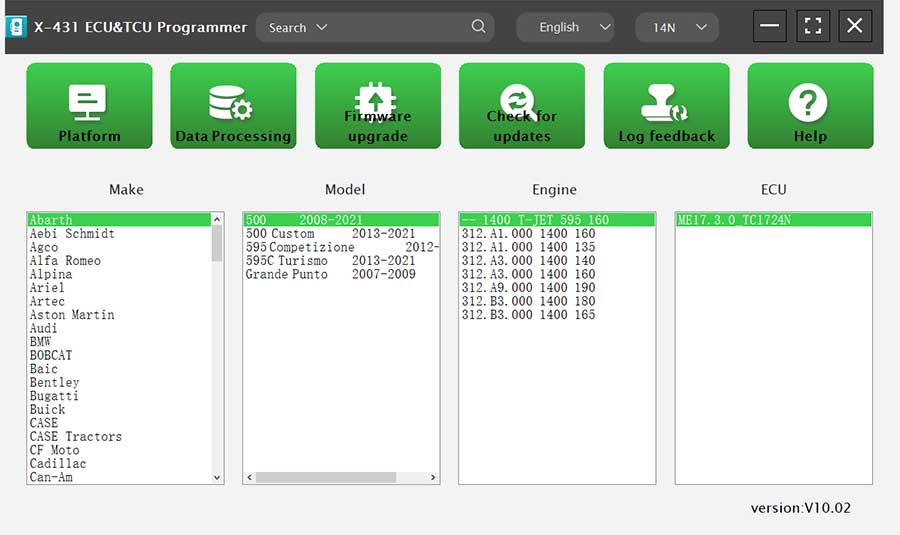
(1) Method 1: Obtain the desired ECU type through brand > model > engine > ECU in turn, as shown in Figure 3.
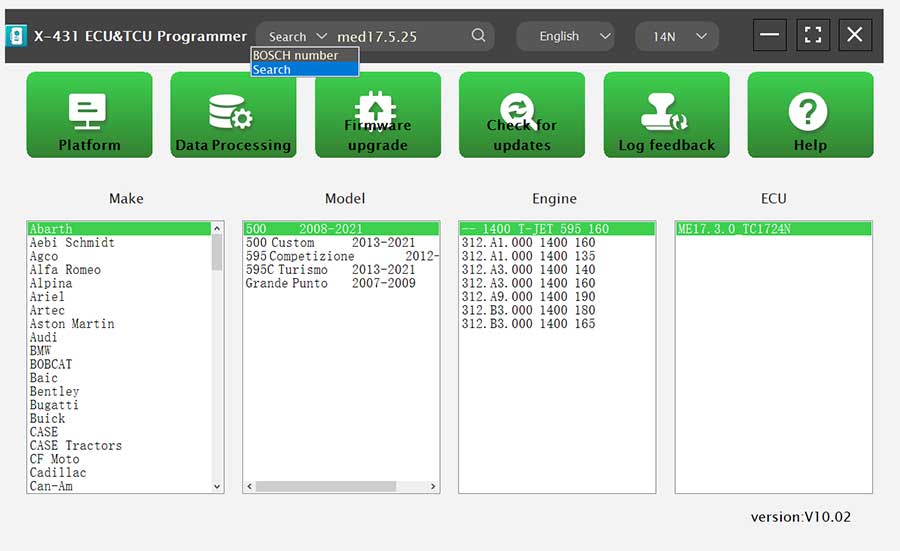
(2) Method 2: Query the desired ECU by entering a value in the search box. The search categories includeBosch number and Search, as shown in Figure 4. For example, search for the MED17.5.25 engine by Search, as shown in Figure 5.
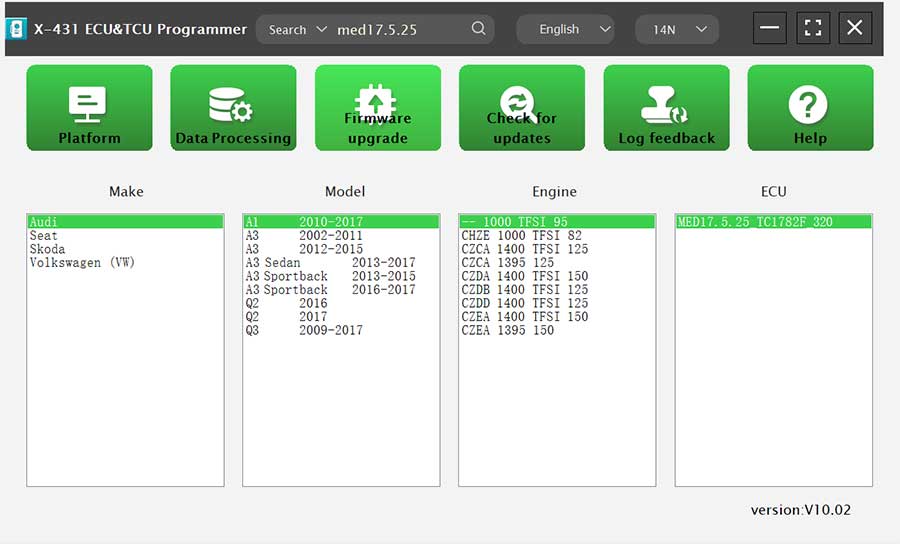
2. Click [Direct Connection Diagram] to obtain the ECU connection diagram, as shown in Figure 6.
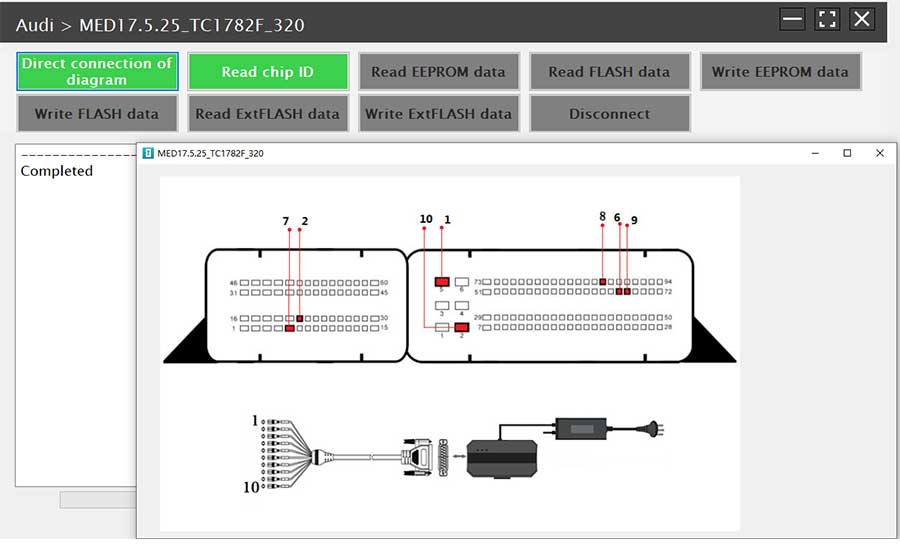
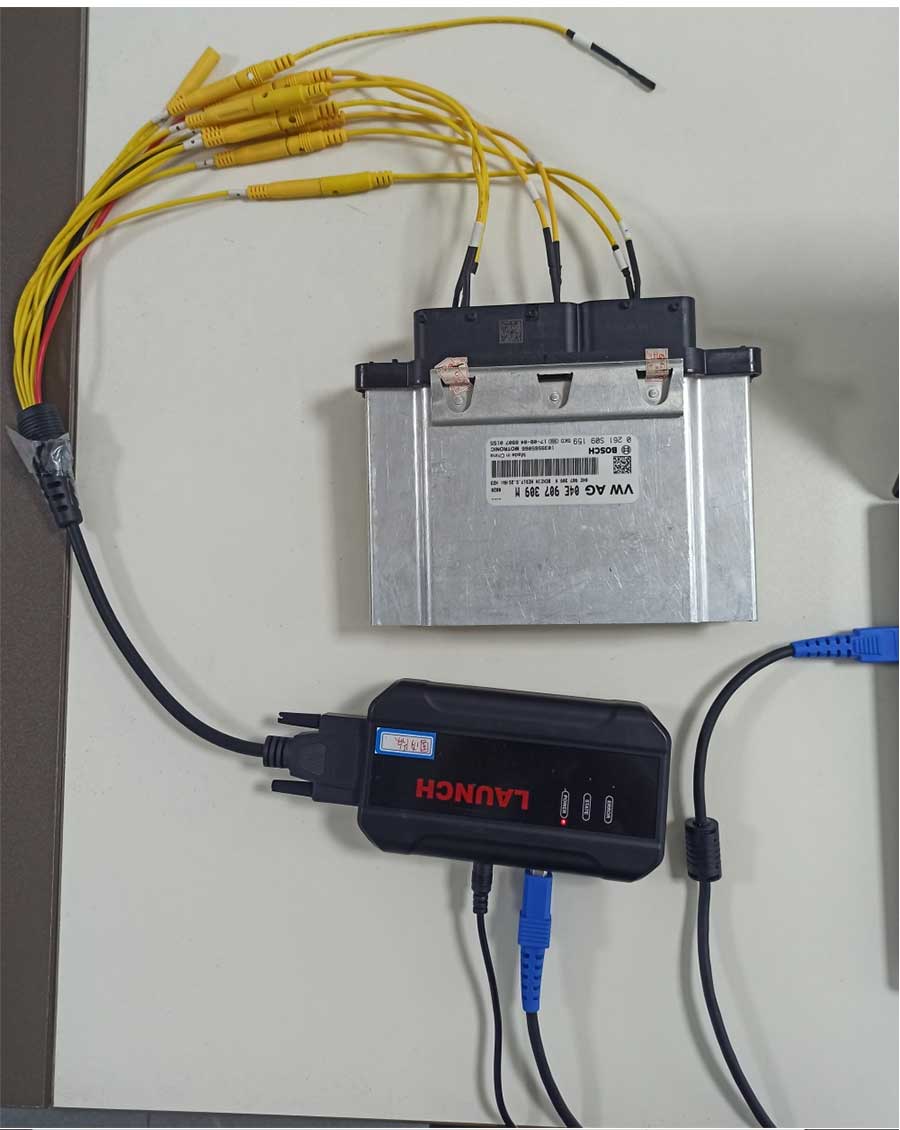
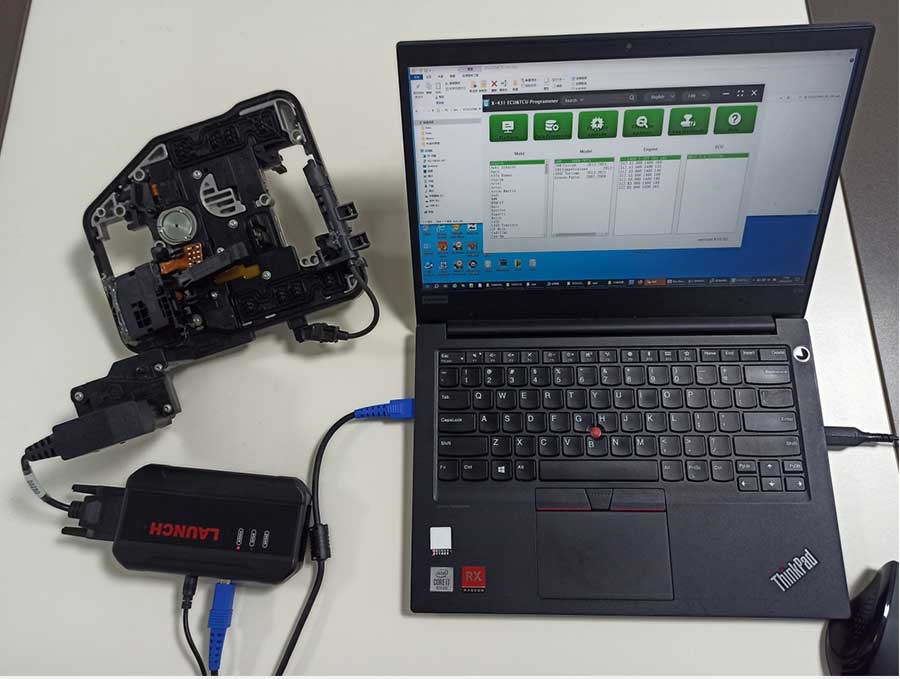
3. Connection: Connect the ECU and PCBOX according to the information provided in the connection diagram. The physical connection diagram of MED17.5.25 (using the BENCH mode line) is shown in Figure 7, and the physical connection diagram using the gearbox adapter is shown in Figure 8.
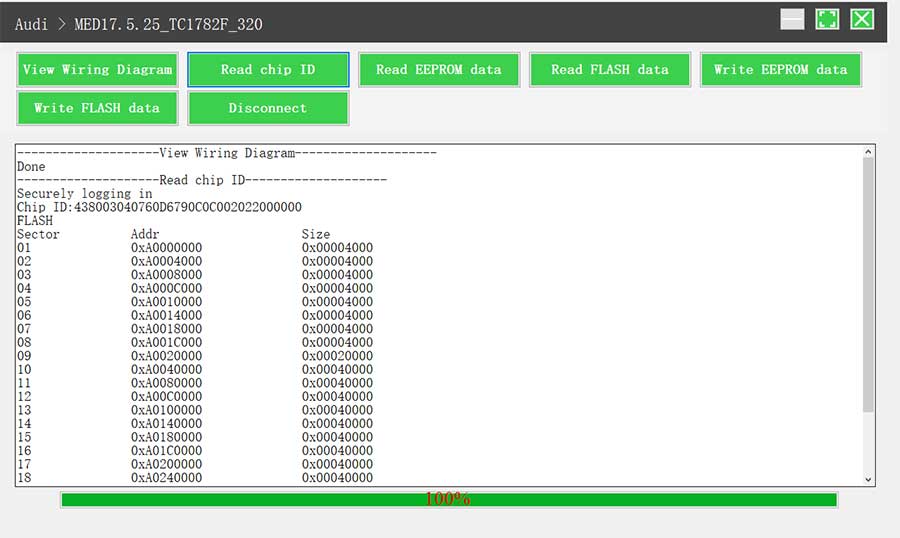
4. Read the chip ID, as shown in Figure 9.
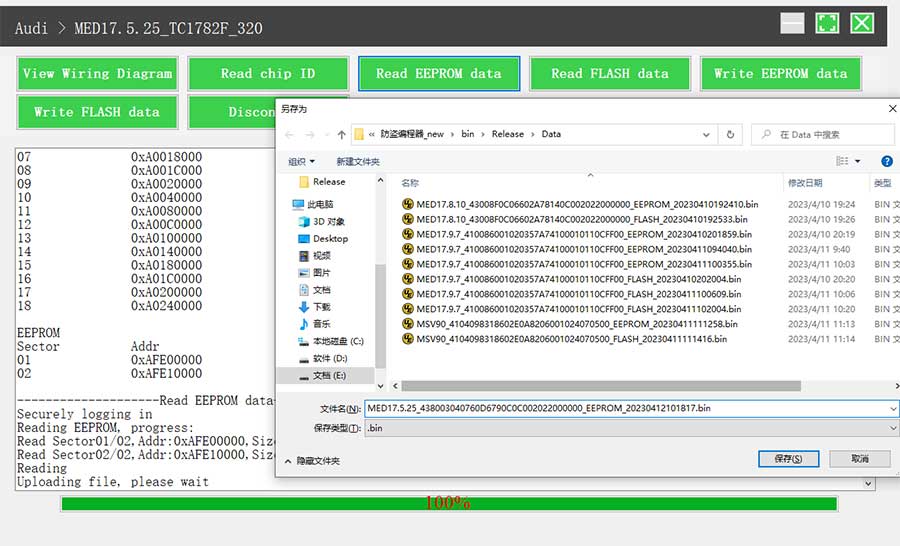
5. Back up the EEPROM data and save it, as shown in Figure 10 (the figure shows the save page of the read data).
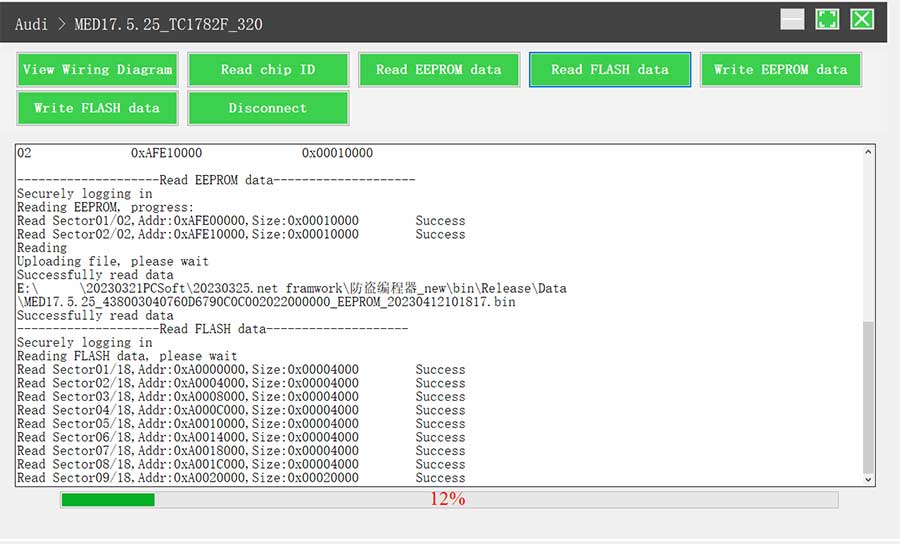
6. Back up the FLASH data and save it, as shown in Figure 11 (the figure shows the process of reading FLASH data).
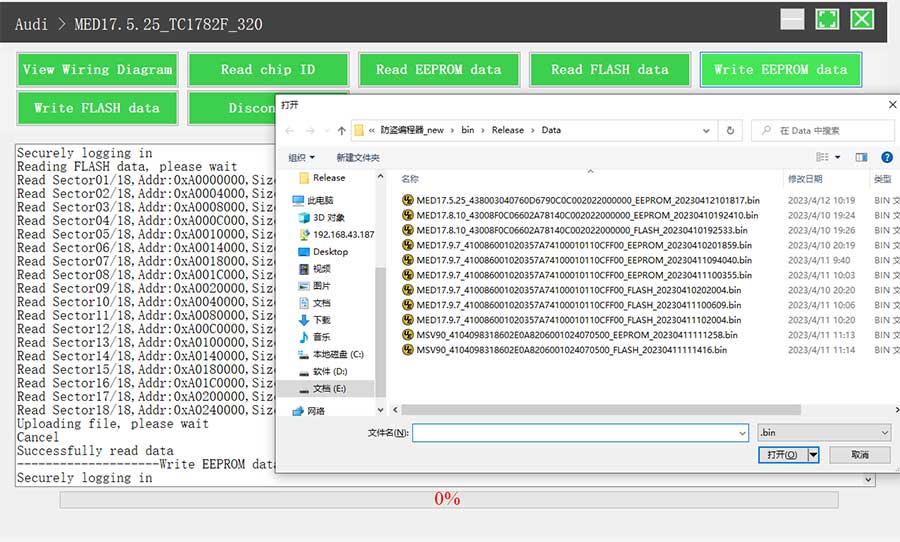
7. Restore EEPROM/FLASH data, as shown in Figure 12 (the figure shows the file selection page).
II. Data Processing
1. Click the [Data Processing] button on the main page, as shown in Figure 13, and select [IMMO Off and File Verification] ([DTC Shield] is not currently supported), as shown in Figure 14.
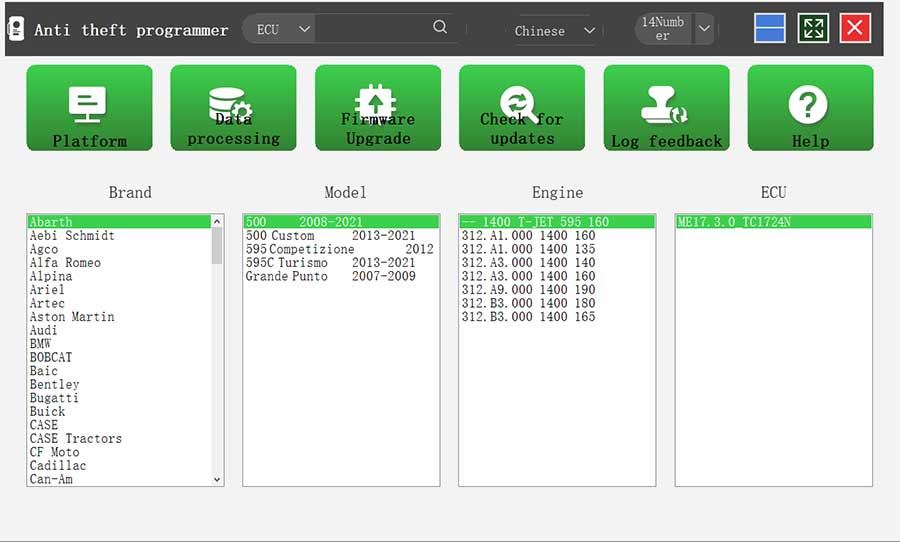
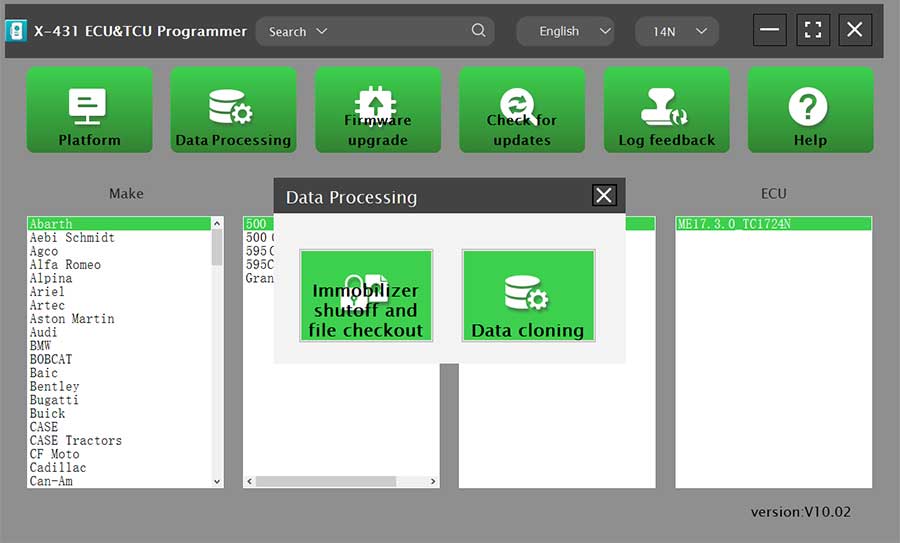
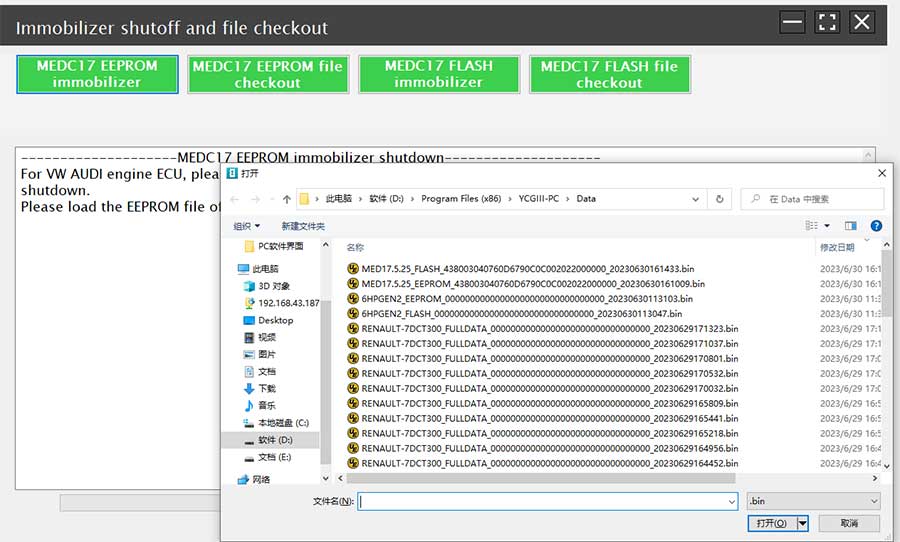
2. File verification and IMMO off (process: select file > connect network to obtain > save file), as shown in Figure 15.
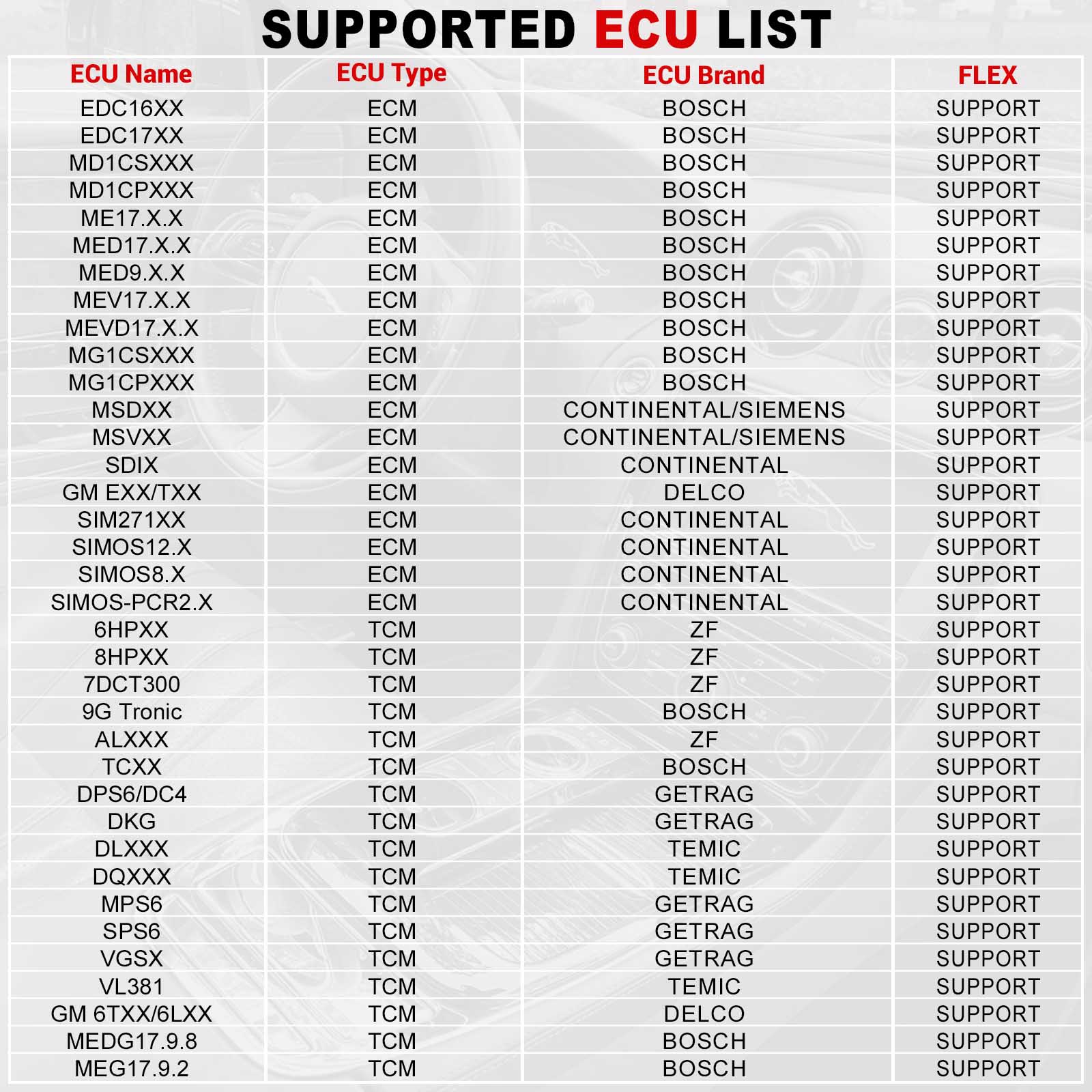
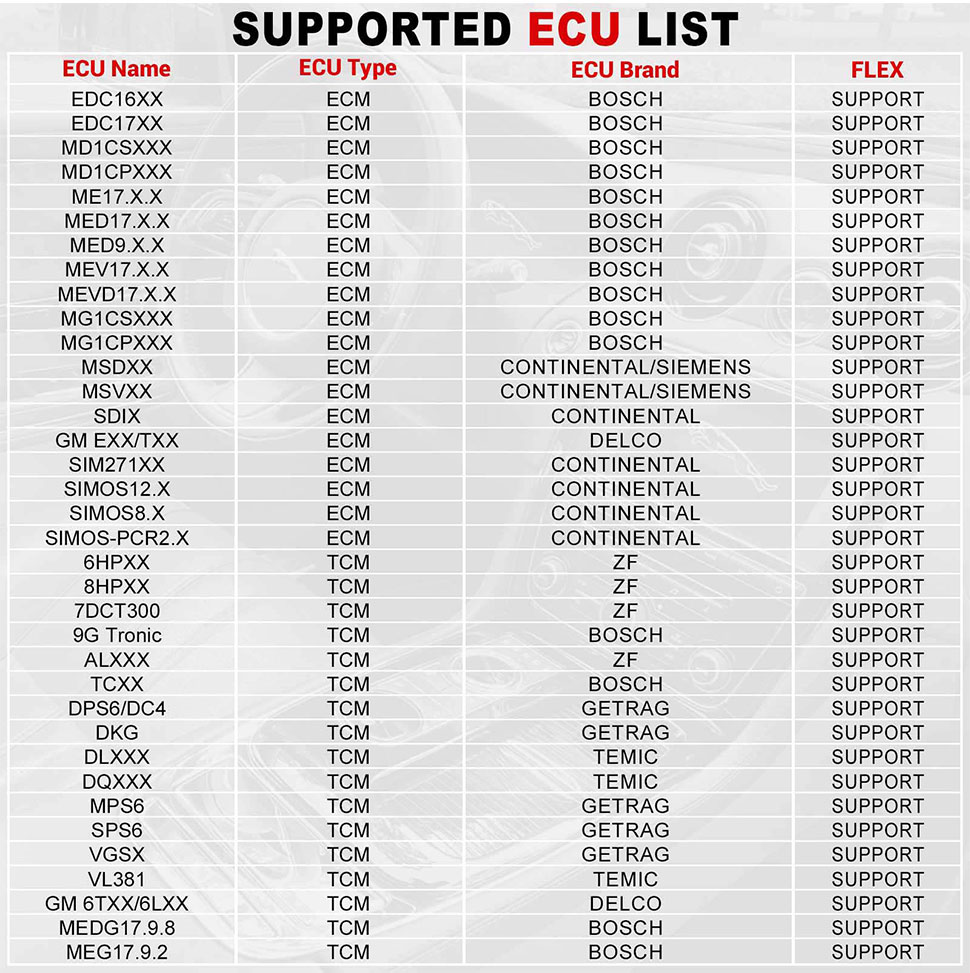
Support list June 2023:
| ECU Name | ECU Type | ECU Brand | FLEX |
| EDC16XX | ECM | Bosch | Support |
| EDC17XX | ECM | Bosch | Support |
| MD1CSXXX | ECM | Bosch | Support |
| MD1CPXXX | ECM | Bosch | Support |
| ME17.X.X | ECM | Bosch | Support |
| MED17.X.X | ECM | Bosch | Support |
| MED9.X.X | ECM | Bosch | Support |
| MEV17.X.X | ECM | Bosch | Support |
| MEVD17.X.X | ECM | Bosch | Support |
| MG1CSXXX | ECM | Bosch | Support |
| MG1CPXXX | ECM | Bosch | Support |
| MSDXX | ECM | Continental/SIEMENS | Support |
| MSVXX | ECM | Continental/SIEMENS | Support |
| SDIX | ECM | Continental | Support |
| GM EXX/TXX | ECM | DELCO | Support |
| SIM271XX | ECM | Continental | Support |
| SIMOS12.X | ECM | Continental | Support |
| SIMOS8.X | ECM | Continental | Support |
| SIMOS-PCR2.X | ECM | Continental | Support |
| 6HPXX | TCM | ZF | Support |
| 8HPXX | TCM | ZF | Support |
| 7DCT300 | TCM | ZF | Support |
| 9G Tronic | TCM | Bosch | Support |
| ALXXX | TCM | ZF | Support |
| TCXX | TCM | Bosch | Support |
| DPS6/DC4 | TCM | GETRAG | Support |
| DKG | TCM | GETRAG | Support |
| DLXXX | TCM | Temic | Support |
| DQXXX | TCM | Temic | Support |
| MPS6 | TCM | GETRAG | Support |
| SPS6 | TCM | GETRAG | Support |
| VGSX | TCM | GETRAG | Support |
| VL381 | TCM | Temic | Support |
| GM 6TXX/6LXX | TCM | DELCO | Support |
| MEDG17.9.8 | TCM | Bosch | Support |
| MEG17.9.2 | TCM | Bosch | Support |

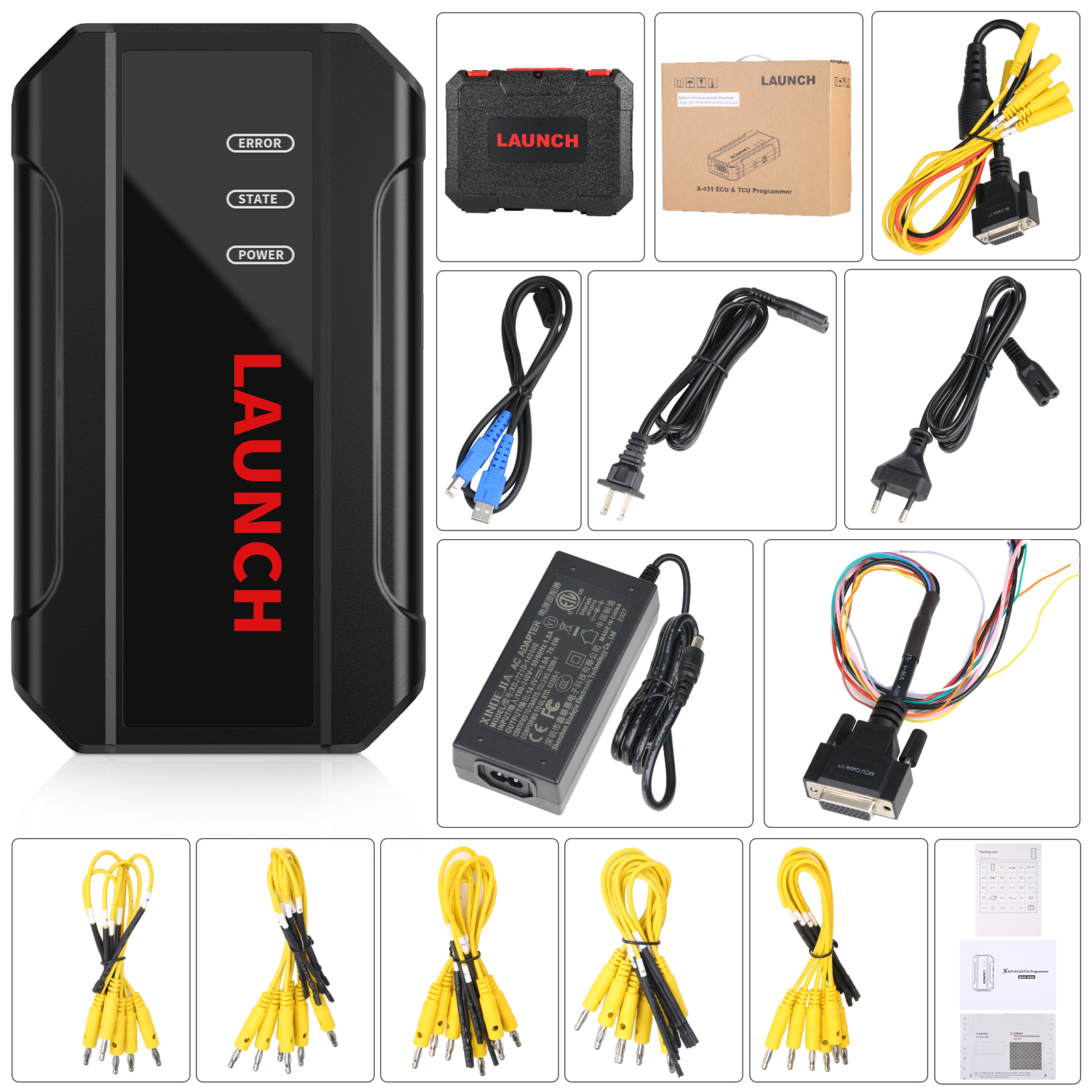
Package Includes:
1pc x the host
1pc x jumper
1pc x MCU cable
1pc x EU adapter
1pc x US adapter
1pc x power supply cable
1pc x USB cable
----------------------------------------------------------------------------------------------------------------------------------------
If you have any questions about the device, the price or the payment, please feel free to contact us.
E-Mail:Sales@carTool.co.uk
Skype:carTool.co.uk
Whatsapp: 86-15271813909
Shipping Method & Delivery
1) UK/EU Warehouse Shipping: 2-4 working days with No Tax. We have stock in our UK and EU warehouse for most items.
2) 4PX Express: 6 days with Tax Free for UK customers.The tax was pre-paid by us, when package reached, there's no tax no extra fee for customers.
3) Yanwen Express: 10-12 working days for European Countries. Our company have IOSS, declare under 150 EUR, seller pay tax, customers no need to pay tax, So usually no tax or extra fee for EU customers.
4) DHL Shipping: 3-5 working days. For the items have no stock in UK warehouse, we will ship it by DHL. We will declare a lower price on the invoice to help your clearance.
If you have not received the goods during the normal time, please contact us for checking the package status timely online or by email: sales@cartool.co.uk
Technical Support
If you cannot download software in the default CD, or if you need technical support for software install, please send email to sales@cartool.co.uk, we will help you by Teamviewer.



Video
Launch X431 ECU & TCU Programmer Clone Volkswagen ECU MED175 25